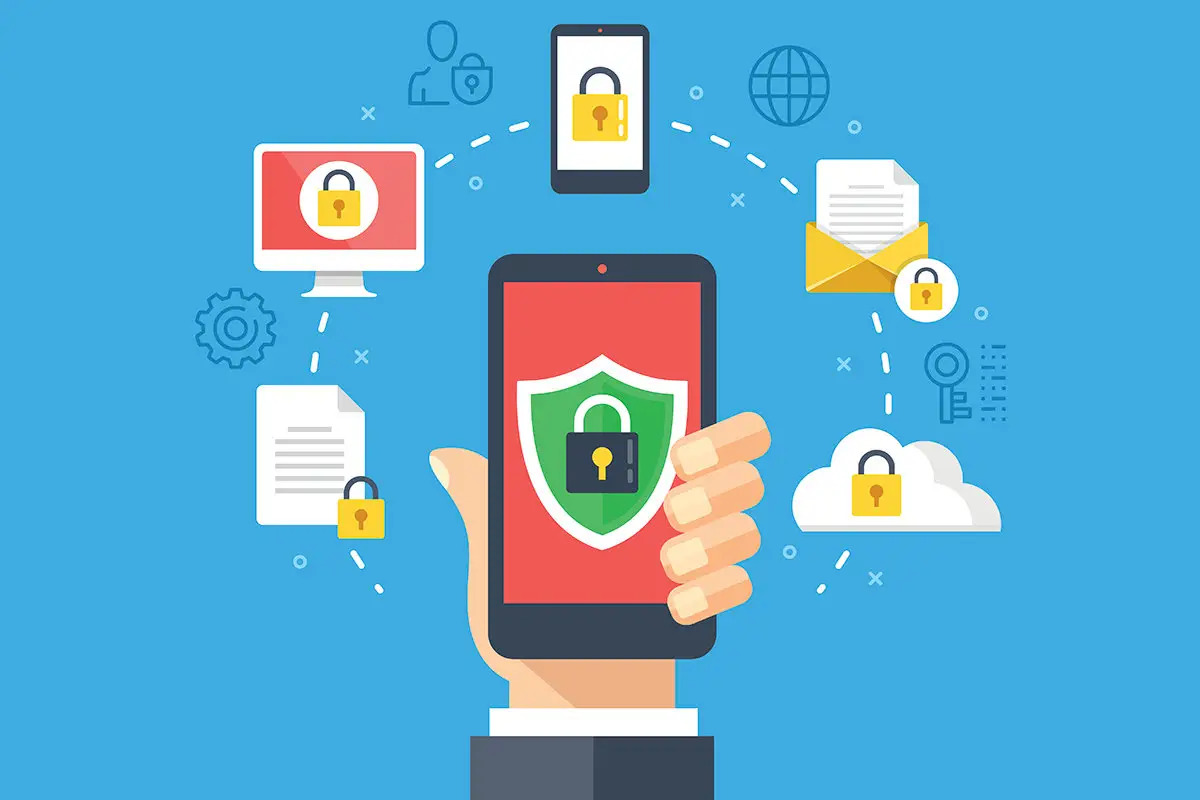
Mobile apps have become an essential part of everyday life. From banking and productivity to health, travel, and communication, apps handle enormous amounts of personal and sensitive data. As convenience increases, so do the risks. Cybercriminals, data leaks, and privacy breaches are no longer rare events—they are ongoing concerns for users worldwide.
Keeping your data safe in mobile apps is not just the responsibility of developers. Users play a critical role by understanding risks and adopting smart security habits. By following best practices, individuals can significantly reduce their exposure and protect their digital lives.
Why Mobile App Data Security Matters
Mobile apps often collect and store sensitive information such as:
- Personal identification details
- Login credentials and passwords
- Financial and payment data
- Location history
- Contacts, messages, and photos
A single compromised app can expose far more than expected. Unlike desktop environments, mobile devices are always connected, frequently used, and often trusted without question. This combination makes them attractive targets for attackers.
Strong data protection practices help prevent identity theft, financial loss, and long-term privacy damage.
Download Apps Only from Trusted Sources
One of the most important security habits starts before installation. Apps should only be downloaded from official app stores such as Google Play or the Apple App Store.
These platforms:
- Scan apps for malware
- Enforce security guidelines
- Remove malicious apps when discovered
Downloading apps from third-party websites or unofficial stores greatly increases the risk of installing spyware or compromised software. Even when an app looks legitimate, its source matters.
Before downloading, users should also:
- Check developer information
- Read reviews carefully
- Avoid apps with very low download counts and vague descriptions
Review App Permissions Carefully
Many apps request permissions that go beyond their core functionality. While some access is necessary, excessive permissions can expose sensitive data unnecessarily.
Best practices include:
- Reviewing permissions during installation
- Questioning why an app needs access to certain data
- Denying permissions that seem unrelated
For example, a calculator app does not need access to contacts or location. Modern operating systems allow users to grant permissions selectively and revoke them later.
Regularly reviewing and adjusting permissions helps minimize data exposure.
Use Strong and Unique Passwords
Weak or reused passwords are one of the most common causes of account breaches. Mobile apps often store or sync data to cloud services, making account security essential.
Strong password practices include:
- Using long, complex passwords
- Avoiding reused credentials across apps
- Using a password manager to store credentials securely
Where available, users should enable two-factor authentication (2FA). This adds an extra layer of protection by requiring a secondary verification step, such as a code or biometric confirmation.
Keep Apps and Operating Systems Updated
Updates are not just about new features—they often contain critical security patches. Developers continuously fix vulnerabilities as threats evolve.
Failing to update apps or operating systems leaves known weaknesses exposed. Best practices include:
- Enabling automatic updates
- Installing updates promptly
- Removing apps that are no longer maintained
Regular updates ensure that security improvements are applied as soon as they are available.
Be Cautious with Public Wi-Fi
Public Wi-Fi networks are convenient but risky. Unsecured networks can allow attackers to intercept data transmitted between apps and servers.
To reduce risk:
- Avoid accessing sensitive apps on public Wi-Fi
- Use mobile data when possible
- Enable a trusted VPN for encrypted connections
Even well-designed apps can be vulnerable when data is transmitted over insecure networks. Awareness and caution are essential.
Understand Data Storage and Backup Practices
Many mobile apps store data in the cloud for synchronization and backup. While this improves convenience, it also introduces additional security considerations.
Users should:
- Understand where their data is stored
- Review cloud backup settings
- Enable encryption where available
For especially sensitive information, users may prefer apps that offer local storage or end-to-end encryption. Transparency in data handling is a key indicator of a trustworthy app.
Log Out and Lock Your Device
Physical access to a device can be just as dangerous as digital attacks. If a phone is lost or stolen, unsecured apps can expose sensitive data instantly.
Important habits include:
- Using device lock screens with PINs, passwords, or biometrics
- Enabling automatic screen locking
- Logging out of apps that contain sensitive data
Remote wipe features can also help users erase data if a device is lost, adding another layer of protection.
Avoid Phishing and Social Engineering Attacks
Many data breaches occur not through technical hacks, but through deception. Phishing attacks trick users into revealing credentials or installing malicious apps.
Warning signs include:
- Unexpected messages asking for login details
- Links that lead to unfamiliar websites
- Urgent language designed to provoke panic
Users should never enter credentials through links received via email or messages. When in doubt, accessing apps directly rather than through external links is safer.
Review Privacy Policies and App Settings
Privacy policies may be long, but they provide valuable insight into how apps handle data. Even a brief review can reveal:
- What data is collected
- How it is used
- Whether it is shared with third parties
Within app settings, users should:
- Disable unnecessary data sharing
- Opt out of analytics where possible
- Adjust visibility and tracking options
Apps that offer clear, customizable privacy controls tend to be more trustworthy.
Uninstall Apps You No Longer Use
Unused apps can still collect data, receive updates, and introduce vulnerabilities. Keeping unnecessary apps installed increases the attack surface of a device.
Best practice is to:
- Regularly review installed apps
- Remove those no longer needed
- Replace apps that lack security updates
Fewer apps mean fewer opportunities for security issues.
Balance Convenience and Security
Many security risks arise when convenience outweighs caution. Auto-login, saved passwords, and persistent sessions can be useful—but they also increase exposure if a device is compromised.
Users should evaluate:
- Which apps truly need instant access
- When extra verification is worthwhile
- How much personal data they are comfortable sharing
Security is not about eliminating risk entirely—it’s about managing it wisely.
The Role of Developers and Platforms
While users must take responsibility, app developers and platforms play a critical role in protecting data. Secure coding practices, encryption, transparent policies, and timely updates are essential.
Users should support apps that prioritize security by:
- Choosing reputable developers
- Providing feedback on privacy concerns
- Avoiding apps with poor security reputations
Market demand for secure apps encourages better standards across the industry.
Mobile apps bring incredible convenience, but that convenience comes with responsibility. Protecting personal data requires awareness, intentional habits, and ongoing vigilance.
By downloading apps from trusted sources, managing permissions, using strong authentication, staying updated, and remaining cautious online, users can significantly reduce their risk. In a world where data is increasingly valuable, proactive security practices are not optional—they are essential.
Ultimately, keeping your data safe in mobile apps is about making informed choices. With the right habits, users can enjoy the benefits of mobile technology without compromising their privacy or security.